Capability Overview
You are here Administration > Site Administration > Users > Permissions > Capability Overview
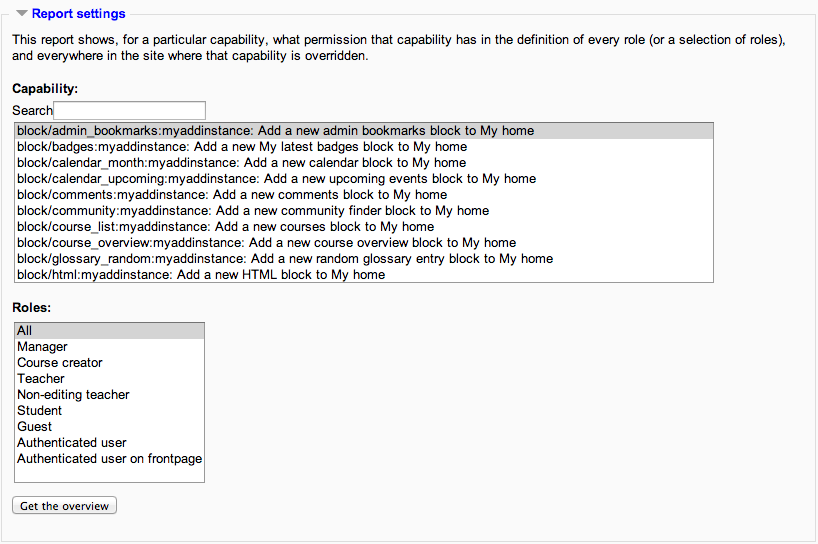
An administrator can generate a capability overview report in Site Administration > Users > Permissions > Capability report.
The report allows the administrator to select a capability and one or more roles. The report shows the role and its permission level for that capability. The report also shows if that capability was overridden for the role anywhere in the site.
For example, it might show the gradereport:user view capability for a student role is set at the system level as “Allow” and for Course 1 it is set to “Prohibit”.