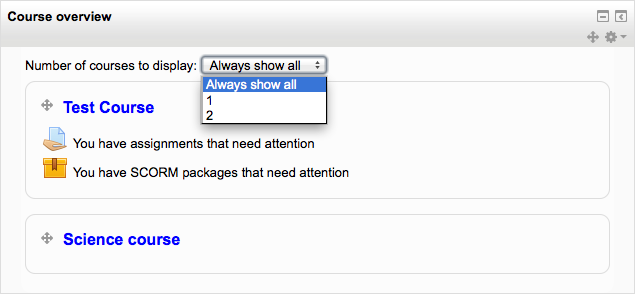
Course overview
The Course overview block is visible on a user’s My home page and shows a list of all courses in which a user is enrolled/has an assigned role.
By default this block appears in the central content block on the My home page but can be moved to the left or right column.
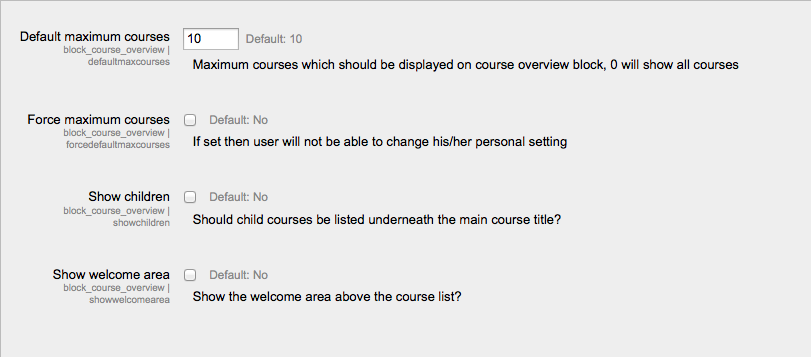
Customising the course order
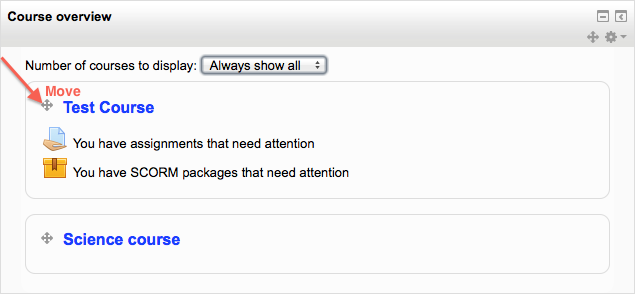
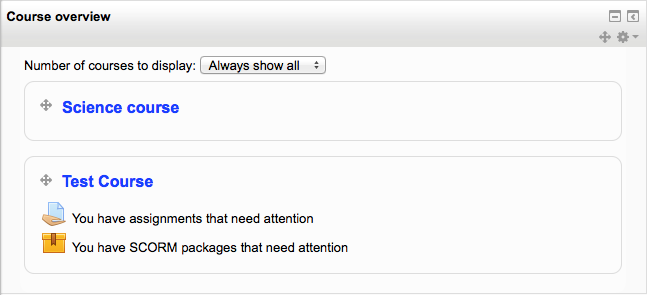
When a user clicks the “customise this page” button, they can then rearrange their courses by dragging them into different places. They can also choose how many courses they wish to display.